What is PushPullit?
PushPullit is a native macOS app that saves any folder as a reusable project template. It stores your starter folders locally, then creates clean copies with automatic find-and-replace.
PushPullit is a native macOS app for saving project folders as reusable templates. Keep your best starters, AI-generated scaffolds, and client boilerplates in one local library, then create a clean copy with automatic find-and-replace across names, files, and content.
Your starter projects, organised and ready.
Browse saved folders, inspect the files inside them, skip noisy directories, and create fresh project copies from one native Mac workspace.
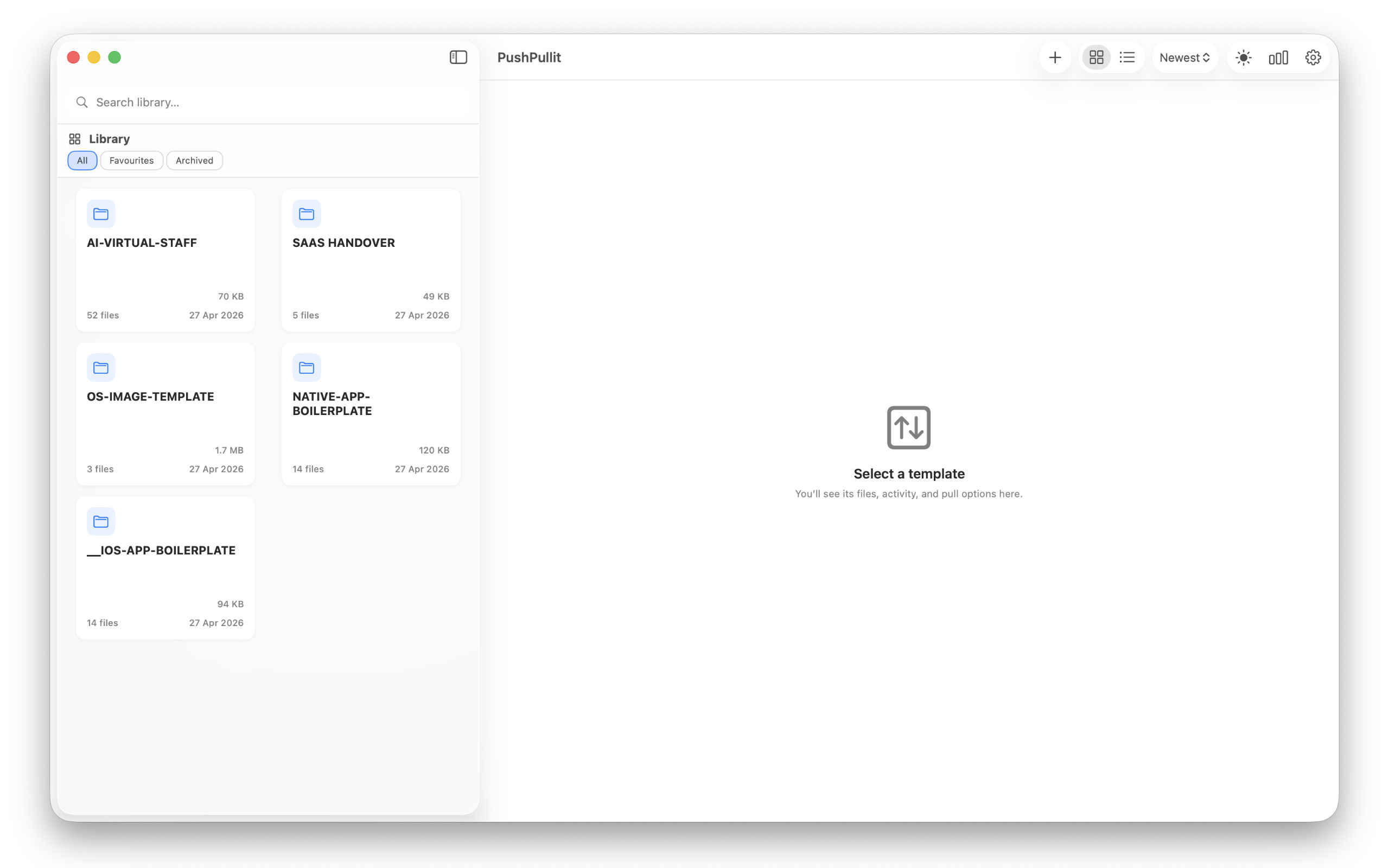
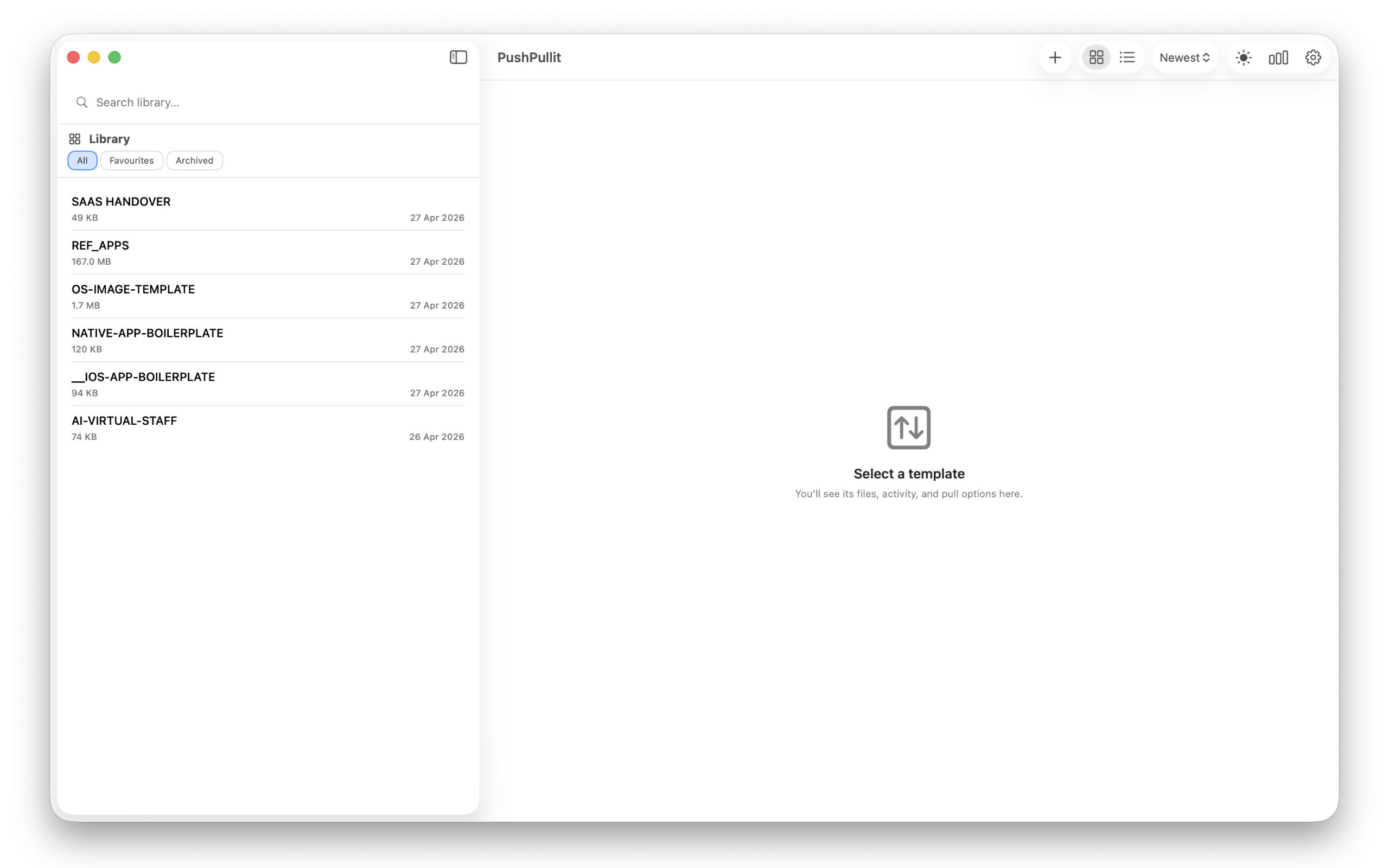
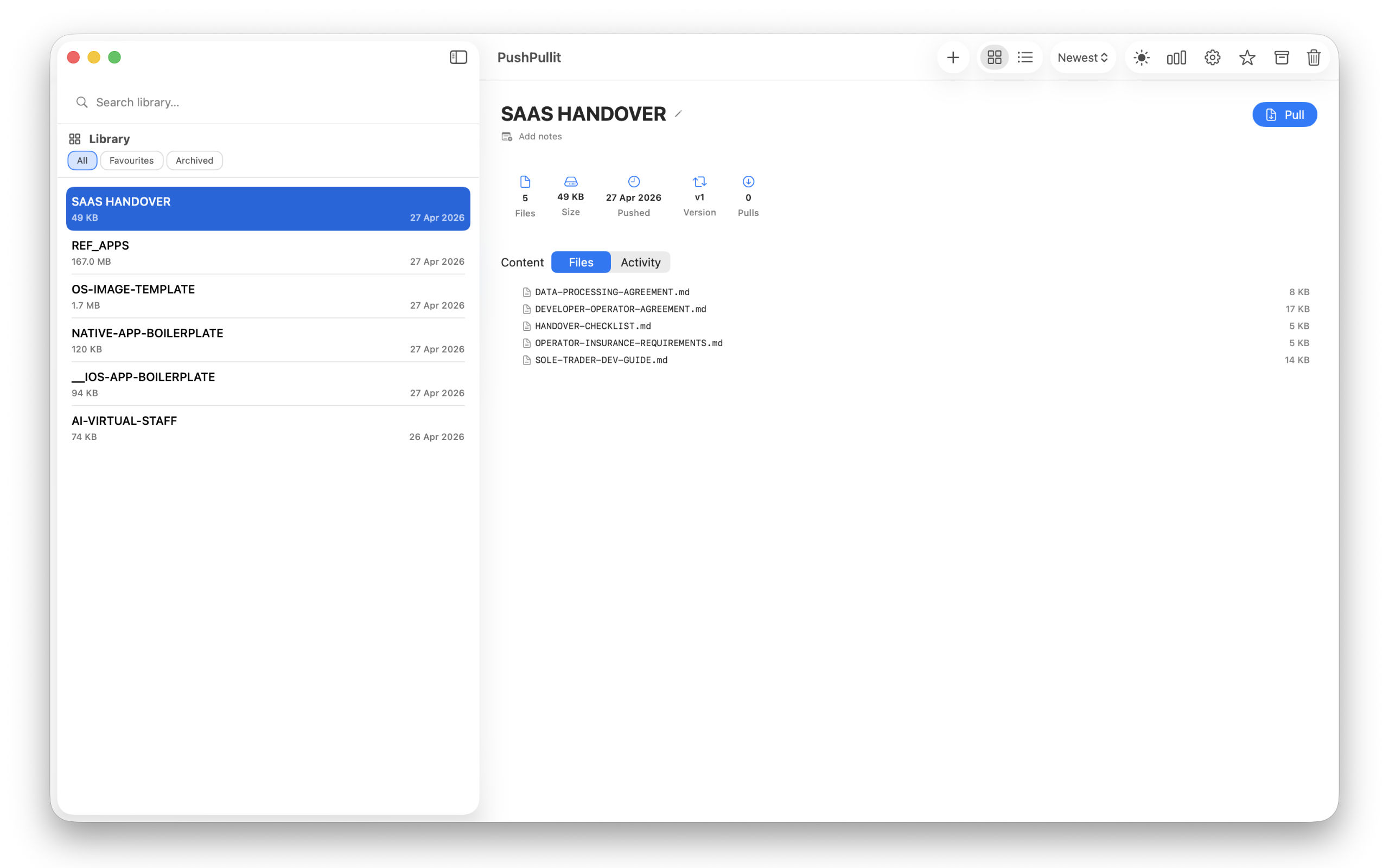
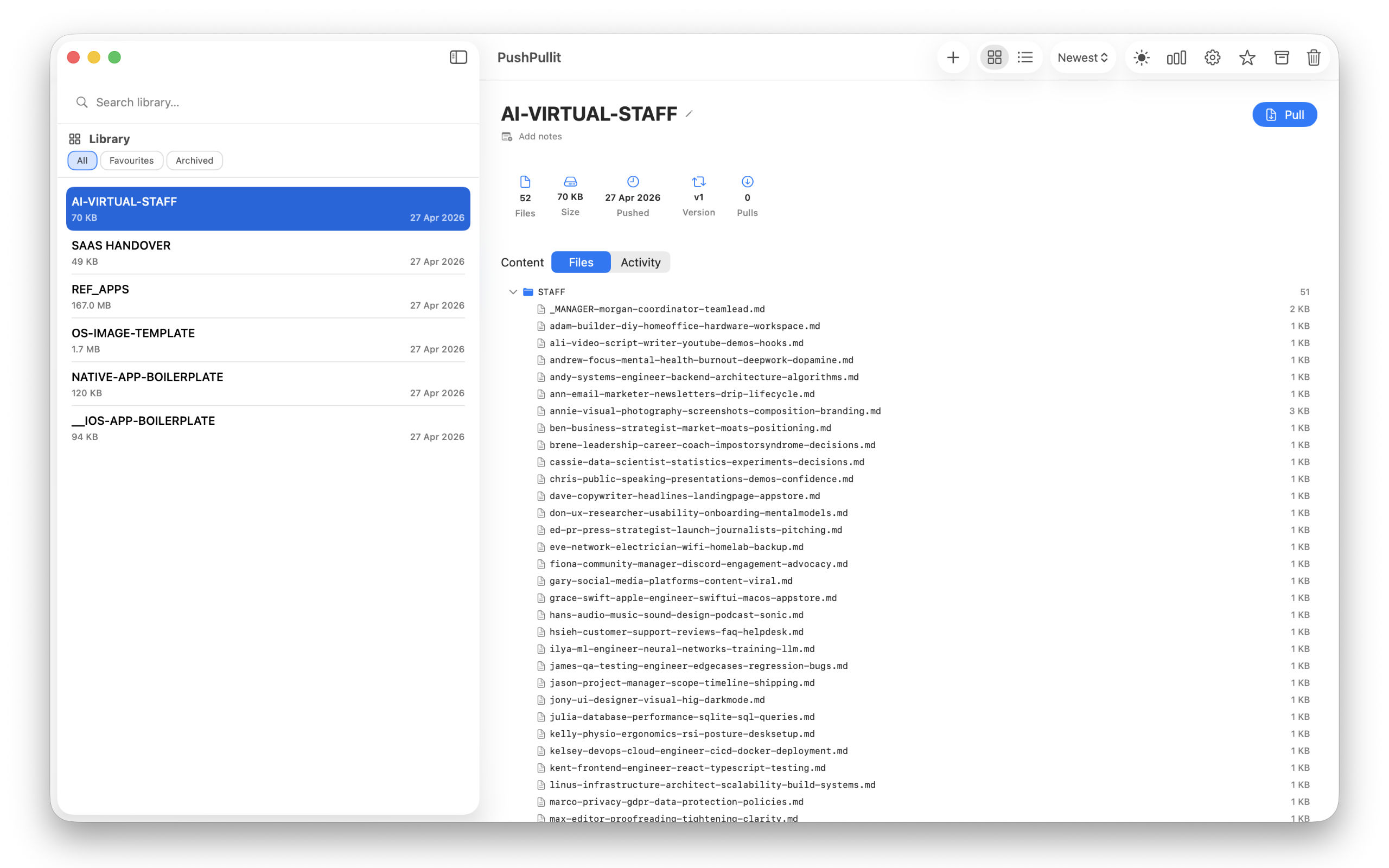
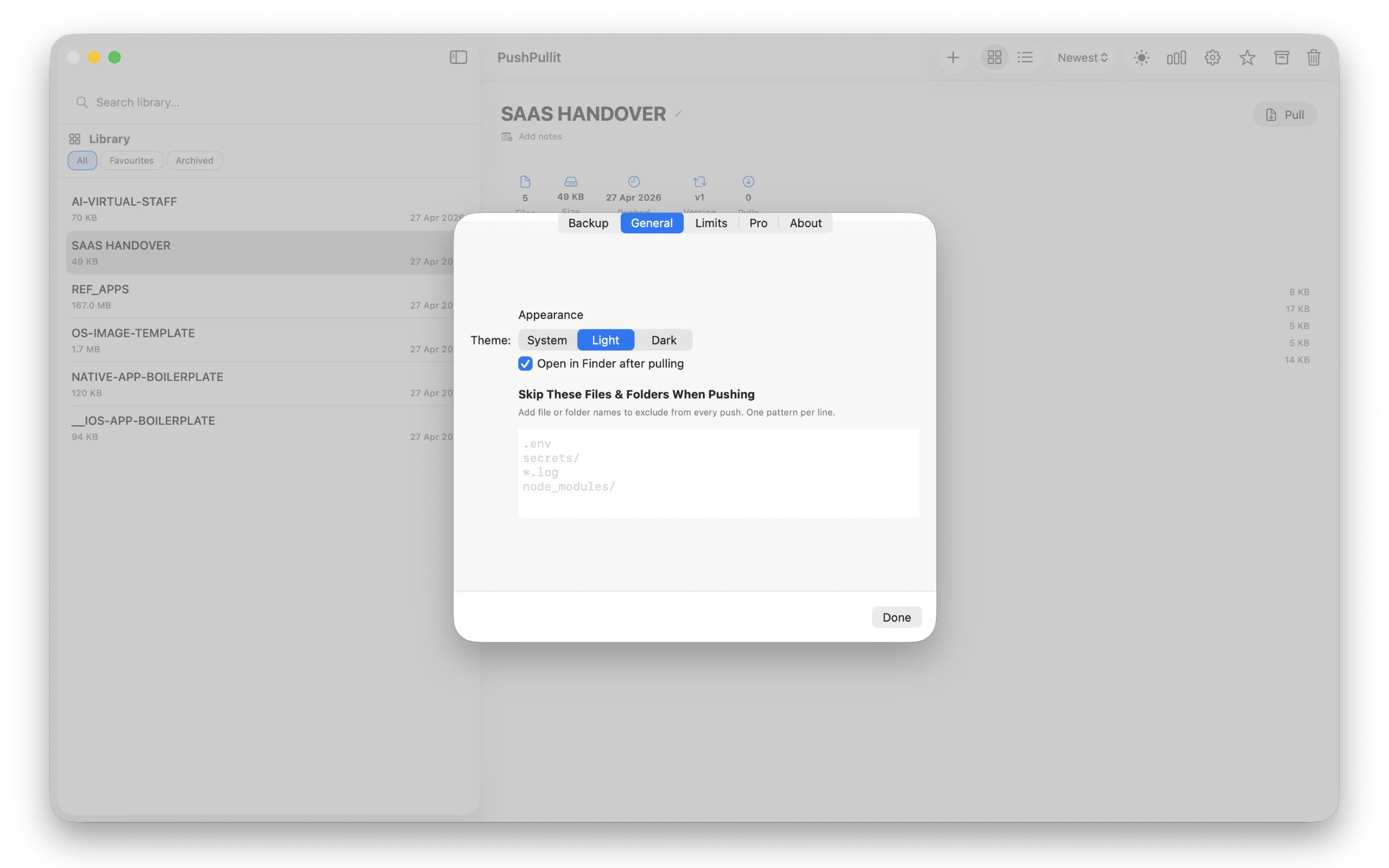
See every saved project template in one visual library and jump back into the starters you use most.
PushPullit helps Mac developers turn starter folders, boilerplates, and useful codebases into a searchable template library. No CLI. No generator config. No extra dependencies.
Select a project folder and save it to your library in seconds. PushPullit scans the files, detects the framework, and stores the template locally.
Create a clean copy from any template. Automatic find-and-replace works across filenames and file contents, so "MyApp" can become "ClientProject" in one step.
Tag templates by framework, language, or client. Full-text search across names, descriptions, and notes. Star your most-used starters.
Track every copy with timestamps, destinations, and replacements used. See saved templates, copies, and file counts across your whole library.
Expand the full file tree of any template and preview file contents before creating a copy. You always know what you are reusing.
Export your entire template library as a single backup file and import it on another Mac. Your starter collection travels with you.
Save a folder once, organise it with useful details, then create a clean copy whenever you need a new project. No terminal commands. No setup scripts. No template syntax to learn.
Drag or select any project folder. PushPullit scans it, detects the framework, and adds it to your local template library.
Add tags, notes, and descriptions. Search and filter your library. Favourite the starters you use most.
Choose a template, pick a destination, set your find-and-replace values, and create a fresh project copy in seconds.
PushPullit turns useful AI-generated starter projects into reusable templates you can keep. Use Cursor, Copilot, Windsurf, or Claude to generate a scaffold, then save the good versions so you do not have to recreate the same starter twice.
Generate once, save it to your library, and reuse it whenever a similar project comes up. Your AI-generated code becomes a permanent, reusable starting point.
These quick guides answer common questions about Mac project templates, boilerplate folders, AI-generated scaffolds, and reusable starters for React, Next.js, SwiftUI, and Vue.
Save starter folders, tag them by framework, and create clean copies whenever a new project begins.
Save the useful scaffolds from Cursor, Copilot, Windsurf, Claude, ChatGPT, v0, and Bolt before they disappear into one-off folders.
Use a native GUI instead of Python generators, Node tooling, terminal commands, or config files.
Yes. PushPullit saves any folder, so it works with framework starters, client projects, reusable assets, and app boilerplates.
Command-line scaffolding tools are powerful, but they can be overkill when you simply want to save a folder and reuse it later. PushPullit gives Mac developers a visual, local-first alternative.
| Feature | PushPullit | Cookiecutter | Yeoman | degit | Git Clone |
|---|---|---|---|---|---|
| Native Mac GUI | ✓ | ✗ | ✗ | ✗ | ✗ |
| No dependencies | ✓ | Python | Node.js | Node.js | Git |
| Any folder as template | ✓ | ✗ needs config | ✗ generators | ✗ repos only | ✗ repos only |
| Find & replace when creating copies | ✓ | ✓ | ✓ | ✗ | ✗ |
| Visual library browser | ✓ | ✗ | ✗ | ✗ | ✗ |
| Tags, search, favourites | ✓ | ✗ | ✗ | ✗ | ✗ |
| Offline / 100% private | ✓ | ✓ | ✓ | ✗ needs repo | ✗ needs repo |
| Copy history tracking | ✓ | ✗ | ✗ | ✗ | ✗ |
PushPullit keeps your project templates private by storing them locally on your Mac. No cloud sync. No account. No tracking.
Your template library is stored in ~/Library/Application Support. Your project files never leave your machine.
No usage analytics, no third-party tracking SDKs, and no hidden telemetry. Purchases are handled by Apple's StoreKit.
Distributed through the Mac App Store with app sandboxing, so PushPullit only accesses folders you explicitly choose.
Short, plain-English answers for developers comparing Mac boilerplate managers, project template tools, and scaffold workflows.
PushPullit is a native macOS app that saves any folder as a reusable project template. It stores your starter folders locally, then creates clean copies with automatic find-and-replace.
Yes, PushPullit is free for up to 6 templates. Pro is a one-time £9.99 upgrade for unlimited templates and restore/import features.
Yes, PushPullit works 100% offline. Your code stays on your Mac, with no cloud account and no tracking.
Save starter folders as templates, organise them with tags, then create clean copies when you start a new project. PushPullit handles that workflow through a visual Mac app.
PushPullit is a Mac GUI alternative for reusable project folders. It avoids Python, Node, terminal commands, and generator config files.
Yes, PushPullit can replace names across both filenames and file contents. That makes it useful for app names, client names, bundle names, and repeated project identifiers.
PushPullit is free to start, then Pro is a one-time £9.99 upgrade for unlimited templates. No subscriptions. No recurring fees.
Download PushPullit free on the Mac App Store. Save up to 6 templates, work offline, and upgrade once when you need more.
Last updated: 26 May 2026